Get your records

How to get your transaction history — book by book.

Most books let you download it yourself in under a minute — it just isn't where you'd think to look. Here's where it lives for each major operator, and exactly what to ask for when it isn't there.

This page runs entirely in your browser. The request builder below never sends anything anywhere — you copy the text and deliver it yourself.
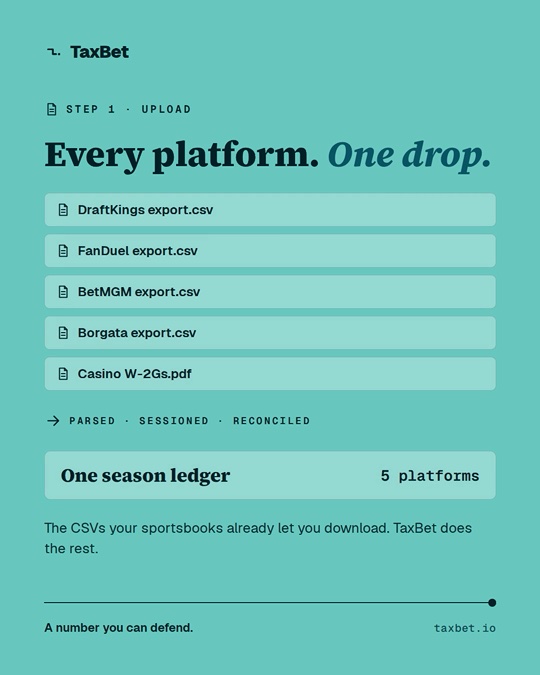
Every platform, one drop: DraftKings, FanDuel, BetMGM and Borgata exports plus casino W-2Gs, parsed, sessioned and reconciled into one season ledger.

What you actually need

  • Complete transaction history for the tax year — with date, time, wager amount, and result on every row (CSV or Excel)
  • The annual win/loss statement — a summary, not primary evidence, but worth having
  • Copies of every W-2G issued — with amounts as reported to the IRS
TaxBet can work from partial data — the picture just gets truer with every book you add.

Where it lives, book by book

When you have to ask: the records request

Fill in the fields and the request below updates as you type. Send it through whatever channel the operator provides — pasted into a support form, a chat window, or email.

Nothing on this page is uploaded, stored, or tracked — the text is built locally and only goes where you paste it.

Closed account? You can still get your records.

This is where most people give up — the app is gone, the login doesn't work, and it feels like the records went with them. Operators generally keep account records after closure; what changes is that self-service download may no longer be available, so you request them directly.

Tick "This account is closed" in the builder above — the request adapts to ask for records without self-service access, and invites the operator to say what identity verification they need. Send it through the operator's help centre or support form.

Got your files? Back to the upload →